How the Desert Helped Me Solve a Technical Problem
“How did the Phillies do against the Giants yesterday?”
It was the fifth day of our great Arizona adventure, and the hundredth time my oldest son asked about baseball scores.
“They lost again. 5-0”
“Nooooooooooo!!!!”
He’s used to getting a Screamsheet every morning - a one-page newspaper I created for him, that lists yesterday’s game scores, current MLB standings, and a game summary on the back. It automatically prints out at 6am, and answers all his questions.
But, no printer on vacation.
So throughout every day, my wife or I needed to consult our phones to get various information for him that he could have just read on his Screamsheet.
This short article describes how I ultimately solved this problem (though too late for this vacation).
Dispatch
I tried running the Screamsheets off on my laptop in the morning, but that kind of wrecks the whole purpose for their existence. I don’t want my kids or me passively consuming screens as soon as we wake up. So, it was clunky at best, and I only did it once.
If only I could route his 6am paper from my printer to my email for a week!
Thus was born Dispatch.
The way dispatch works is, you create two directories on your machine, somewhere stable. Mine are /home/peter/PRINT and /home/peter/EMAIL. You set up a scheduled job (cron on Linux, Task Scheduler on Windows, launchd on Mac) that runs every 5 minutes that checks those two folders for documents. If a document is found in the PRINT folder, print it out immediately, and move it to a processed folder. If it’s in the EMAIL folder, then email it immediately to an address specified in a configuration file.
Finally, just modify the Screamsheet generator to drop the finished files in either PRINT or EMAIL, and bam, we got a home dispatch system.
One thing I like about this system is, before, Screamsheet really did two things - build the documents, and then print. Now, the two programs do one thing. One writes the newsletters, the other delivers them.
Unfortunately, I didn’t get this thing set up until we got back from Arizona. Oh well, next time.
Solving the Network Printer
About a week after we got back, my wife was scheduled to go knock heads at our Lower Merion School Board meeting. She’s been a major voice in the “Screens Down, Pencils Up” movement, to limit the use of screens in the public schools here.
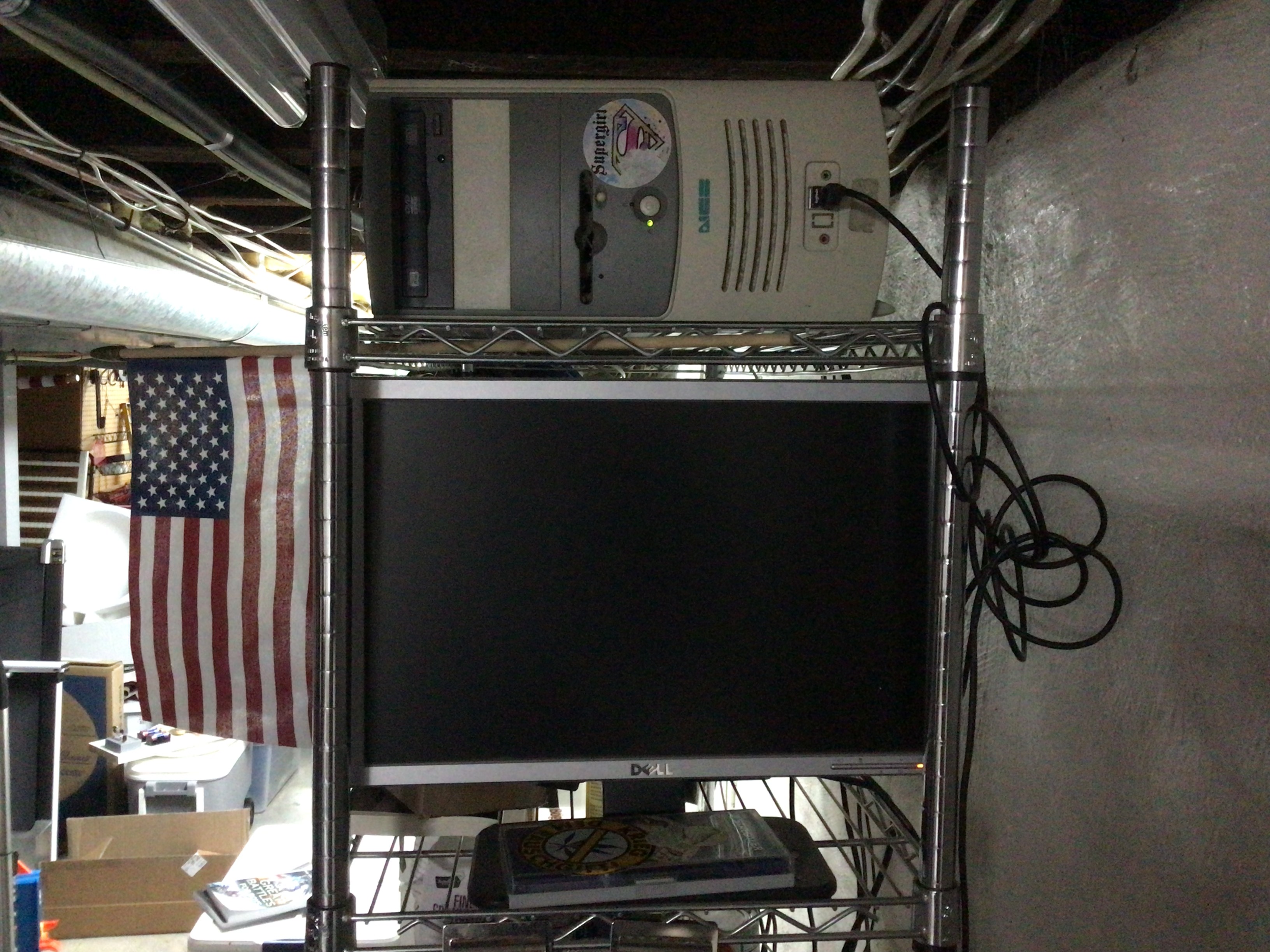
So she calls me at work, and asks how to print her talking points. Our printer is in the basement, connected to a really old desktop running a lightweight distribution of Linux. It’s the kind of computer that has a hard time opening Notepad.
I’ve tried setting up the network so we can print to this machine’s printer from our laptops, but it just never worked. It’s complicated now that she and I use our laptops for work, so they’re locked down by InfoSec. The way we print is, send an email to my Gmail address, go to the basement, log on to the computer, open Firefox, go to Gmail, open the email, download the attachment, and finally print it out.
My wife is brilliant, but this 7-step basement printing ritual is objectively absurd. So there she is, asking me what the machine’s password is and what to do.
We get it done, but it left me thinking: what if I could get the attachment to just download into the PRINT folder?
BAM an enhancement!
I set a filter in my Gmail, so whenever an email comes in from a limited set of senders (both of our work and home emails), and is sent to my_gmail+print@gmail.com, it gets taken out of the inbox, marked as read, and given a label Dispatch/print. My print machine now runs a third routine every five minutes that checks that email address for new messages with attachments. If found, it downloads all the attachments to the PRINT folder, and they get printed five minutes later.
Thus, the network printer problem has been relegated to the waste basket of Peter’s life.
Extending the Empire
The next problem I’m working on is delivering my Screamsheet to subscribers. I put up a little summary of the Screamsheet on Reddit a few days ago to some very positive response. A few people expressed interest in getting Screamsheets of their own, so I picked one user to be my guinea pig. Every morning now, I email one MLB and one NHL sheet to him.
My current work in progress is to set up an added capability to Dispatch’s EMAIL function. I’ll build a special “manifest” folder that contains the completed Screamsheets for the day along with a small manifest.yaml file that has a recipient email address, a subject line, and a body. Dispatch will build an outgoing email with that information, attach the PDFs, and dispatch that lucky person’s news of the day.
Oh, also, I’m coding all this using GitHub Copilot in Visual Studio Code. Which means, I’m telling Copilot what I want, vetting its plan, and letting him go do his stuff while I practice my guitar. Win-Win.
Home automation, DIY.
Please feel free to fork my Dispatch repo for your own uses. If you need help setting it up on your system, please drop me a message in the contact form.
So what are you building today? Drop a comment below!
ANNOUNCEMENT
I’m running a beta-test of my Screamsheet subscription until August 1, 2026. If you are interested in getting one or more of these as a daily email, go fill out this form.
It’s a live beta test, so expect some bugs and hiccups while things get smoothed out. Any feedback is appreciated.
Also, full disclosure, after August 1, I’ll start charging a small flat monthly fee for up to five customized Screamsheets daily. Up until then, it’s free though.